Free · no time limit, no account
Free
- Live data from your home station
- Today's graphs
- One backup station
- Up to 3 stations
Free keeps today's readings only, and does not include cloud storage or data export.
Windows 11 · Microsoft Store · Version 1.0.3 clearing review
Weather from a personal weather station (PWS) on your Windows desktop: an instrument-style console with current conditions, a daily forecast, radar, weather alerts, and graphs. Use your own PWS, a nearby public PWS, or free public weather data for your location if you have no station.
Update coming: version 1.0.3. Free and Pro reorganized, your own Turso or Supabase cloud database, collection every minute with automatic takeover, and a National Weather Service forecast from a US ZIP code with no key. Clearing Microsoft review; the current build stays available below.
Microsoft Store Current build 1.0.2 User manual (PDF) Current build 1.0.2 Support and feedback Privacy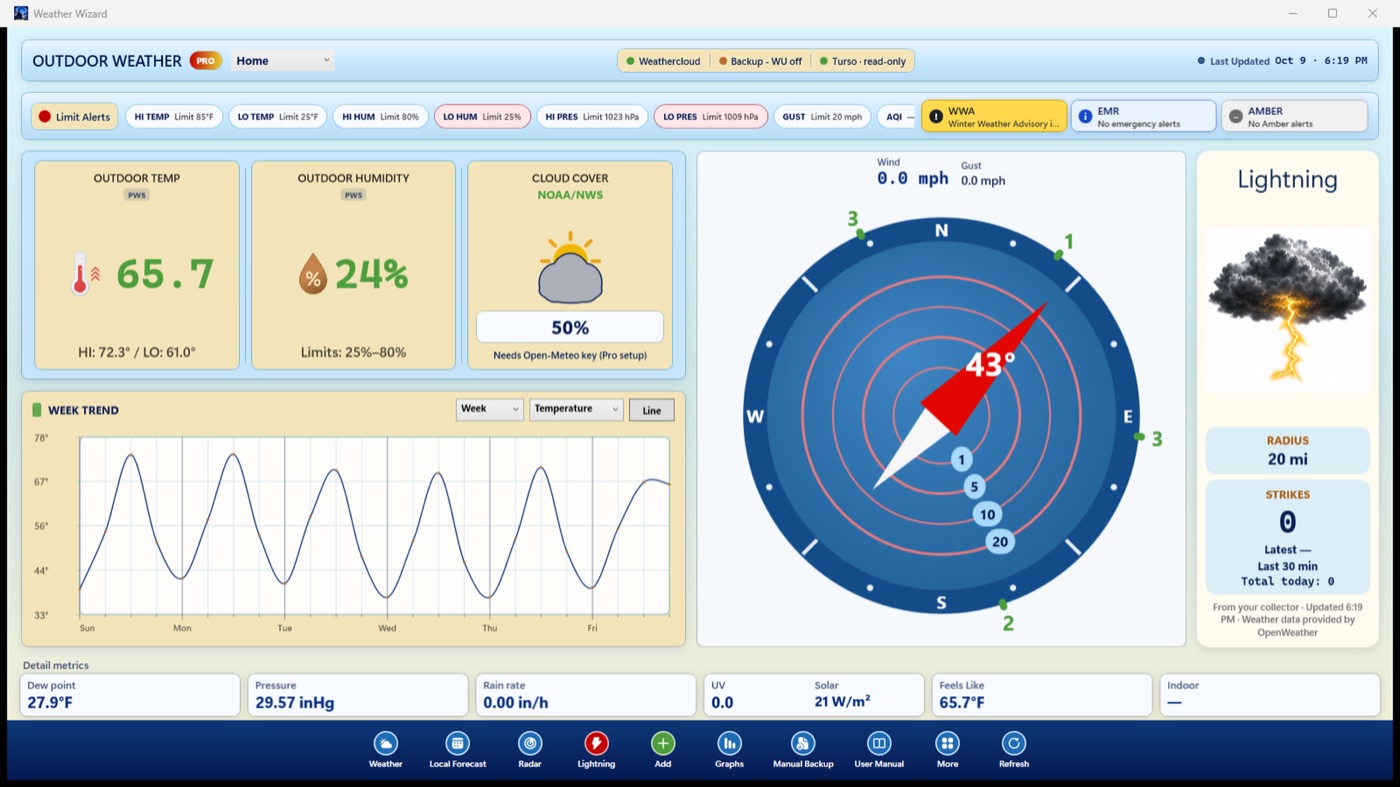
Requires Windows 11 on an x64 or Arm64 PC. Pro is a one-time Microsoft Store add-on linked to your Microsoft account, separate from Pro bought through Apple. There is no activation code.
Free and Pro
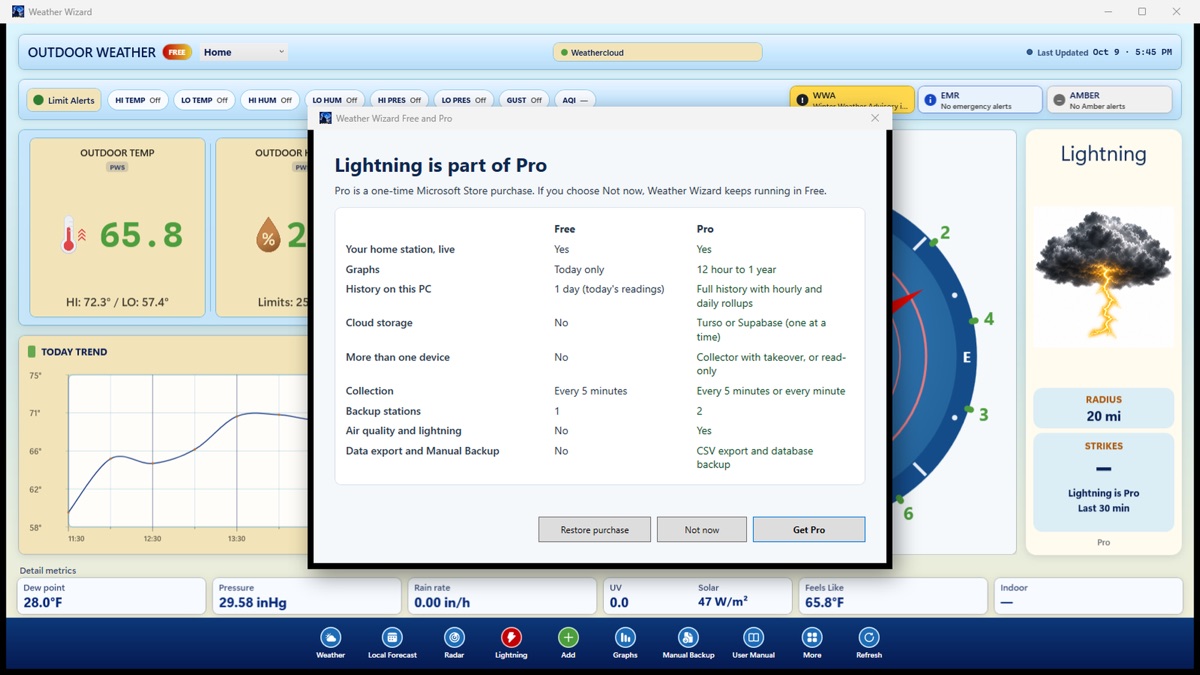
Compare Free and Pro in the app shows the same list. Version 1.0.3 is clearing Microsoft review; the current build is 1.0.2.
Free · no time limit, no account
Free keeps today's readings only, and does not include cloud storage or data export.
Pro · one-time add-on, not a subscription
Pro unlocks software features only. It does not include a weather station, provider accounts, API keys, or measurements that a station does not report. API keys are kept in Windows Credential Manager. Lightning needs a free OpenWeather account and API key on the collecting PC, unless your station reports lightning itself.
Screens · update coming
Help
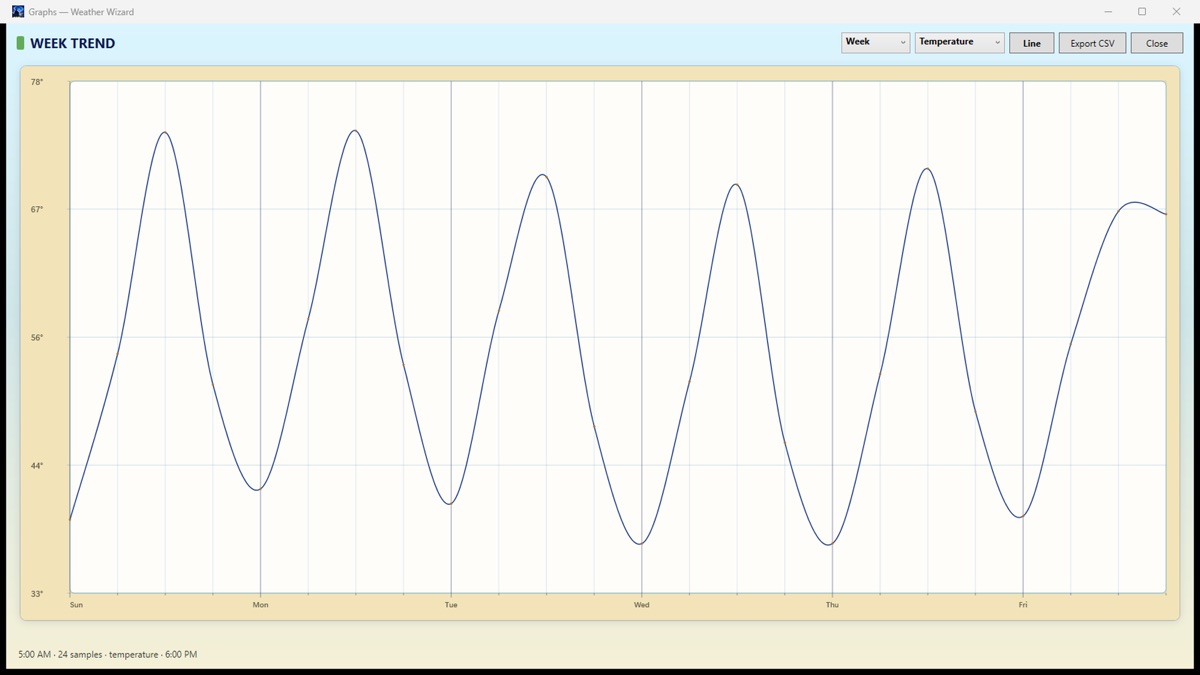
The Windows manual covers setup, Free and Pro, the console and graphs, each outside data source, API keys, cloud storage, backup and moving to a new PC, troubleshooting and privacy. It also opens from User Manual in the app.
Your Windows version, whether the badge says FREE or PRO, what you clicked, what you expected and what you saw. Add the Last Updated time, the source pills and a masked station ID.
Never send passwords, API keys, database tokens or a Supabase service-role key. Send a screenshot only if it shows no key, password, full name or home address.
Sign in to Windows with the Microsoft account that bought Pro, then open More → Restore purchase. Provider API keys are not restored by the Store; enter them again.
Weather Wizard is for general information only. It is not an official warning service. Always follow official National Weather Service and local emergency guidance. Not for lightning safety decisions.