Weather Wizard
Windows 11 · Microsoft Store
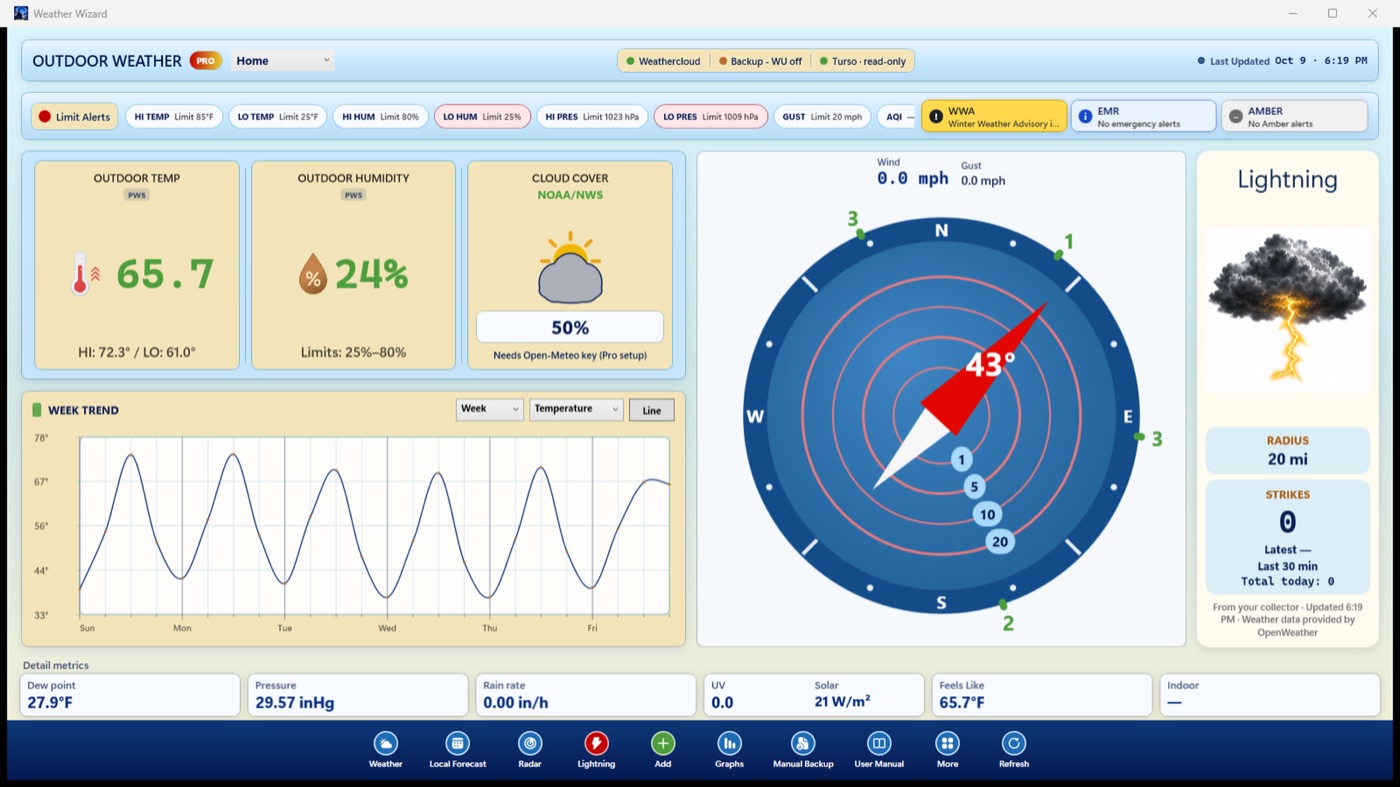
Personal weather station readings, forecast, radar, alerts and graphs on your Windows desktop. Free needs no station; Pro is a one-time purchase.
Update coming: version 1.0.3. Free shows your home station, today's graphs and one backup station. The one-time Pro add-on adds full history, your own Turso or Supabase cloud database, collection every minute with automatic takeover by another PC or Mac, air quality, lightning and CSV export.
Version 1.0.3 is clearing review
Microsoft Store Current build 1.0.2
Windows manual (PDF) Current build 1.0.2
Weather Wizard app page and manual
Weather app feedback
Smart Telescope Planner
Windows 11 · Version 23.0 (1)
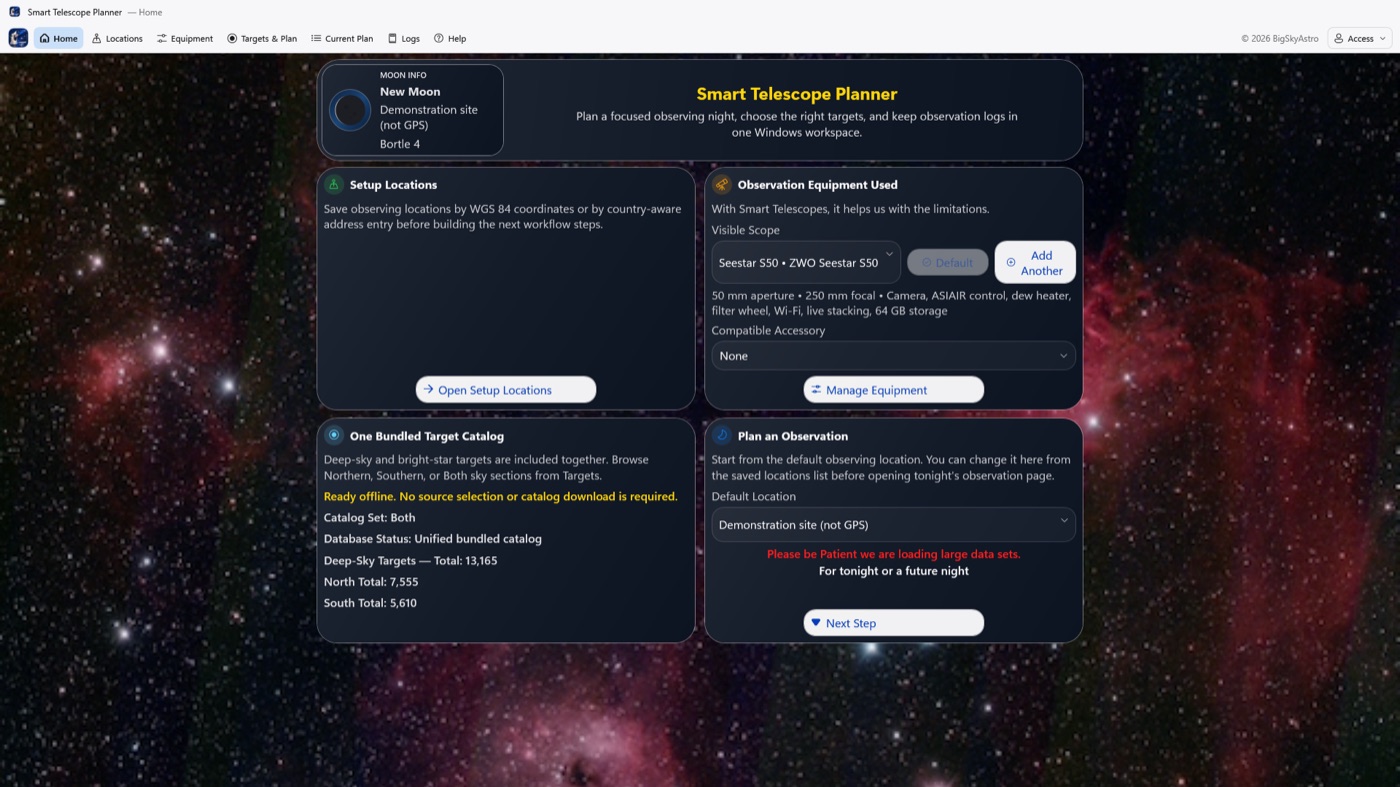
Plan a night with your smart telescope: saved sites, telescope limits by model, a bundled offline catalog with more than 13,000 deep-sky objects, planets, the Moon and tonight's comets and asteroids, and a timed plan that fits your sky. Print it, save it as a PDF or send it with Windows Share, and keep night logs.
Supported smart telescopes: Celestron Origin Mark II; DWARFLAB DWARF 3, DWARF II, DWARF mini and Draco; Unistellar eVscope, eVscope 2, eQuinox, eQuinox 2, Odyssey and Odyssey Pro; Vaonis Stellina, Hyperia, Vespera, Vespera II, Vespera II X Edition, Vespera 3, Vespera Pro and Vespera Pro 2; ZWO Seestar S30, S30 Pro, S50 and S50 Pro. Also works with any alt-az mount that calculates its own location.
New telescopes: DWARF Draco and Seestar S50 Pro are supported now and join the Windows telescope list in the next update.
Free to download with a 20-day free trial. Full Access is a one-time purchase ($12.99 in the US).
Version 23.0 (1) is prepared for release. The Microsoft Store link will be added when it is approved. Build Plan places every selected target across its Clear Sky, so the times overlap. Balance Plan and Use Priority set the time shares.
iPhone and iPad version
Mac version
Planner feedback
Telescope Data Sort
Windows 11 · free and open source · new
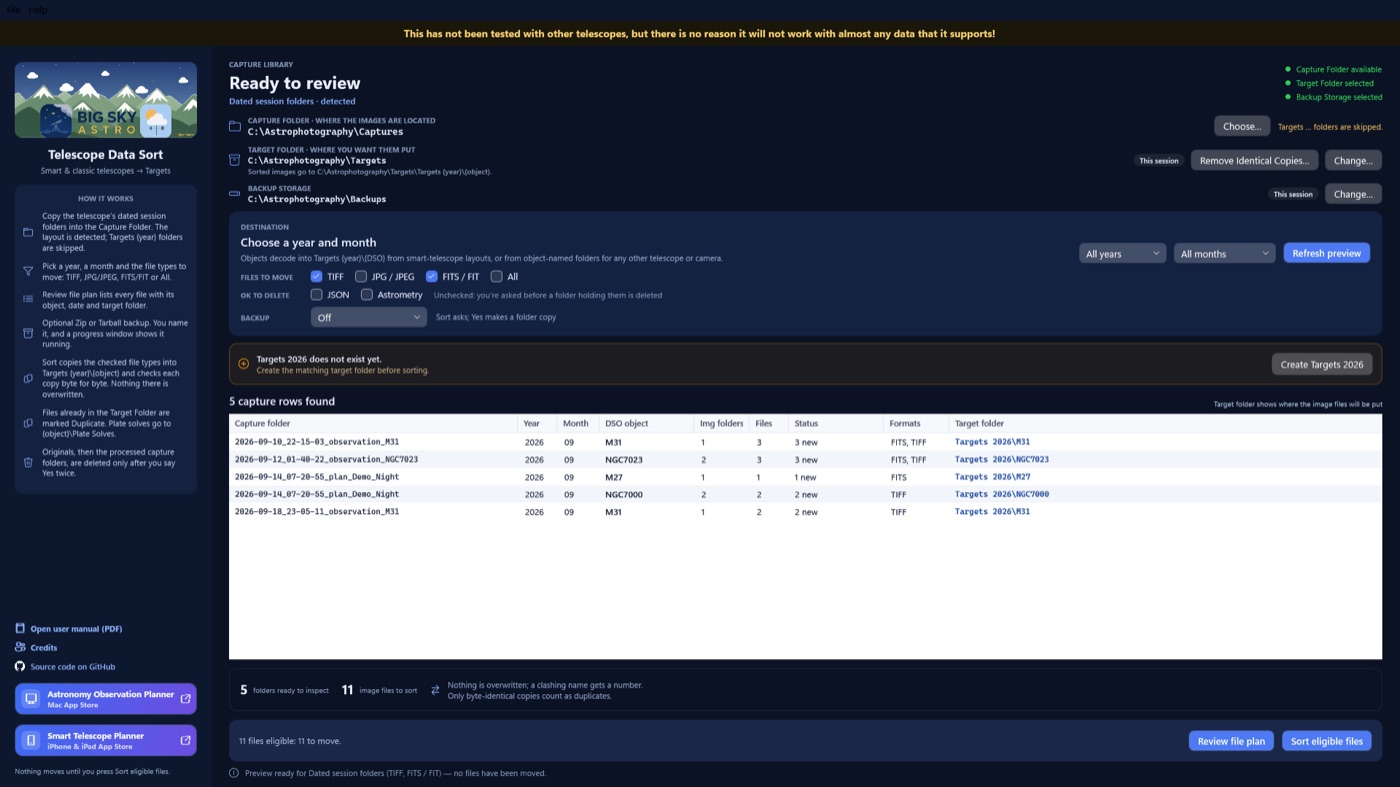
Sorts TIFF, FITS and JPG from smart telescopes, or from any telescope or camera when the files are in folders named for the object, into Targets by year and object. Each copy is checked byte for byte, and removed files go to the Recycle Bin. No account, no ads and no network connections.
This has not been tested with other telescopes, but there is no reason it will not work with almost any data that it supports!
Get it from the Microsoft Store
Windows manual (PDF)
App page
Source on GitHub
Telescope Data Sort feedback