iPhone and iPad · 23.0 (114)
Astronomy Observation Planner
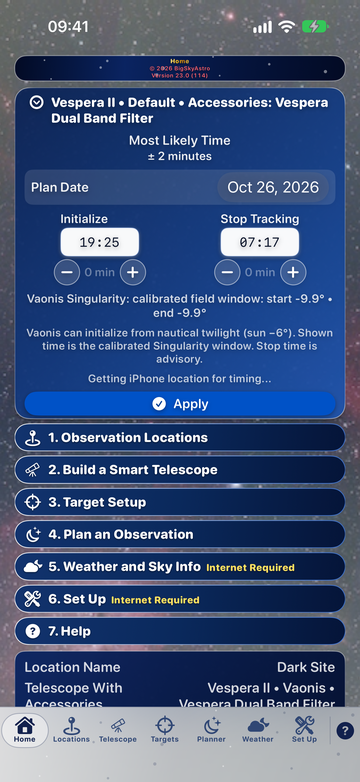
App support home
Astronomy planning, telescope data and weather tools for observers. Choose iOS, macOS or Windows to find each app, its manual, privacy information and a feedback page.
iOS Apps macOS Apps Windows Apps What’s NewiPhone and iPad · 23.0 (114)
macOS · 23.0 (114)
iPhone and iPad
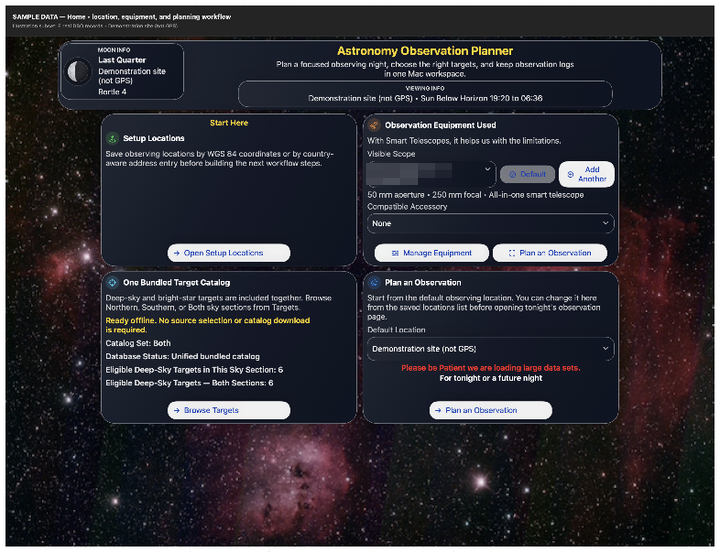
macOS
Windows
macOS · 1.2.1
Apps
For sale · macOS and iOS · version 23.0 (114) · Windows version not on the Store yet
Plan a night with your smart telescope: saved observing sites, your telescope and accessories, target filters, planets and the Moon, and a timed plan in which each target starts when the one before it ends.
Supported smart telescopes: Celestron Origin Mark II; DWARFLAB DWARF 3, DWARF II, DWARF mini and Draco; Unistellar eVscope, eVscope 2, eQuinox, eQuinox 2, Odyssey and Odyssey Pro; Vaonis Stellina, Hyperia, Vespera, Vespera II, Vespera II X Edition, Vespera 3, Vespera Pro and Vespera Pro 2; ZWO Seestar S30, S30 Pro, S50 and S50 Pro. Also works with any alt-az mount that calculates its own location.
New telescopes: DWARF Draco and Seestar S50 Pro are in the telescope list in version 23.0 (114) on iPhone, iPad, and Mac. On Windows they are supported now and join the telescope list in the next update.
On the App Store: version 23.0 (114) for iPhone, iPad, and Mac. Free to download with a 20-day free trial. Full Access is a one-time purchase: $9.99 on iPhone and iPad, $12.99 on Mac (US prices). Mac 23.0 is Apple silicon only. If you bought it, you keep Full Access.
Windows: Smart Telescope Planner for Windows is not on the Microsoft Store yet.
Astronomy Observation Planner for macOS 23.0 (114) Astronomy Observation Planner for iOS 23.0 (114) iPhone and iPad manual (PDF), Version 23.0 (114) Mac manual (PDF), Version 23.0 (114) iPhone and iPad details Mac details (listed as Astronomy Observation Planner) Windows details Planner feedback
Mac · iPhone and iPad
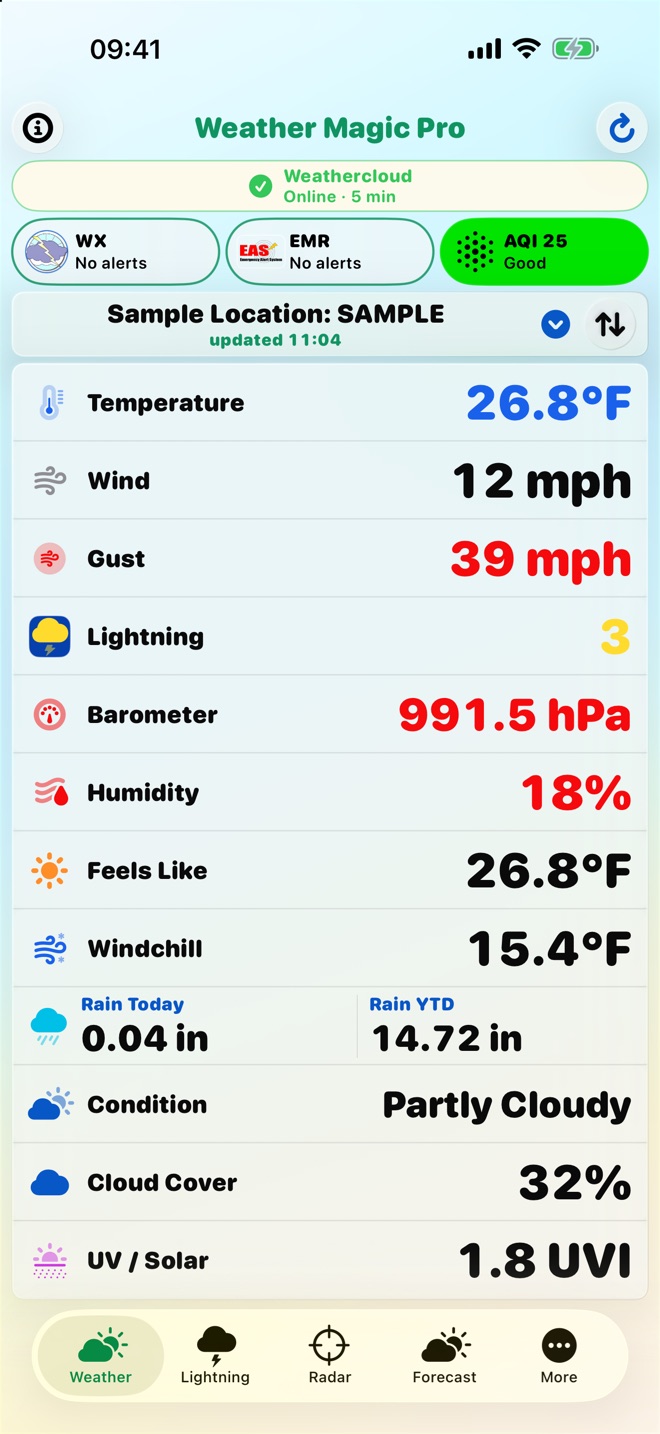
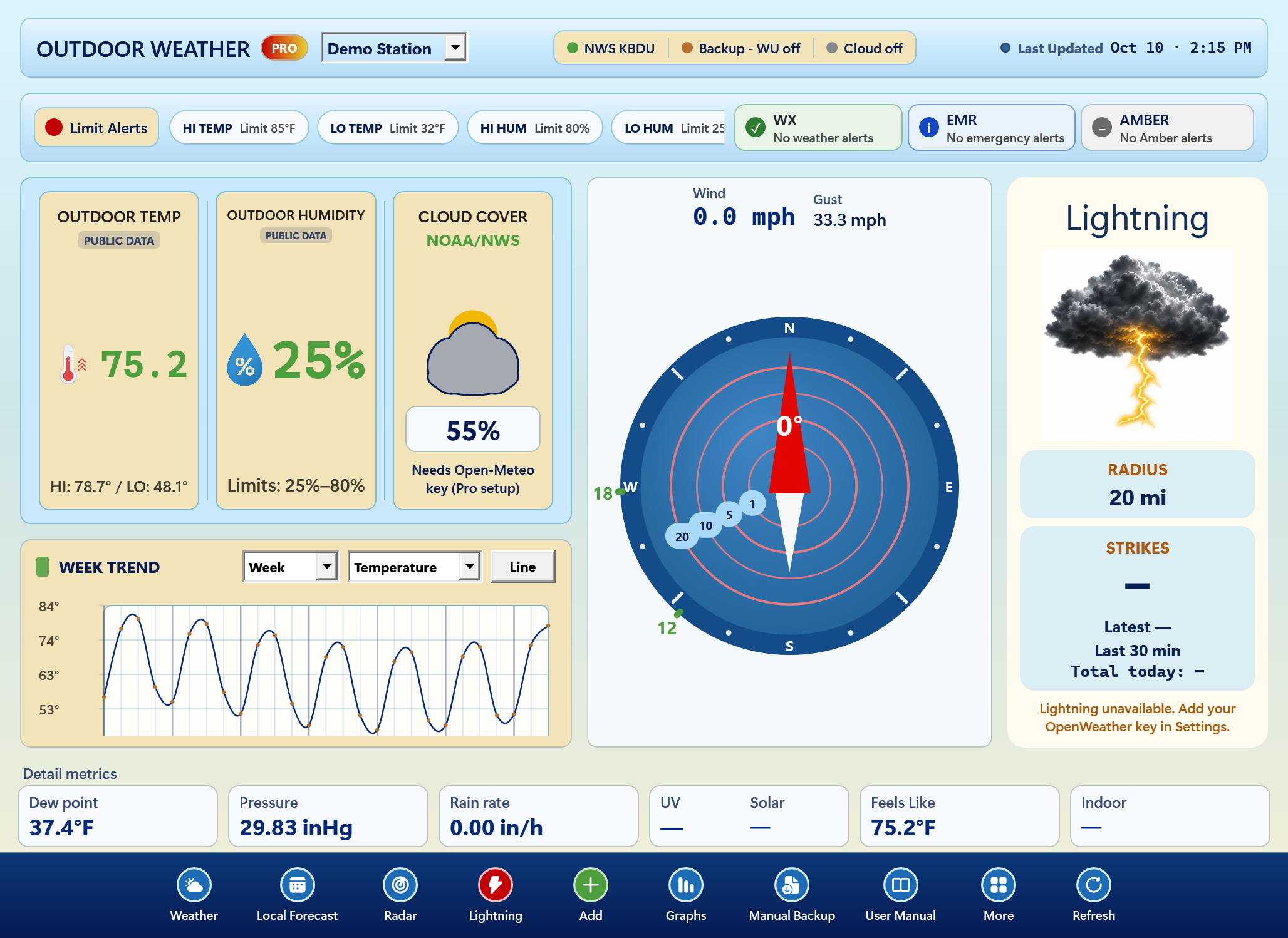
Monitor your station weather on iPhone, iPad or Mac. Free has no time limit and includes station readings and the Today graph. Pro is a one-time unlock for extended graphs, exports, more stations and providers, widgets and more.
Version 3.1 is on the App Store for Mac, iPhone and iPad. It adds your own Turso or Supabase cloud database and collection every minute with automatic takeover by another computer.
Version 3.1 is on the App Store Mac App Store Current build 3.1 App Store, iPhone and iPad Current build 3.1 Weather Magic PWS app page Weather app feedback
Windows 11 · Microsoft Store
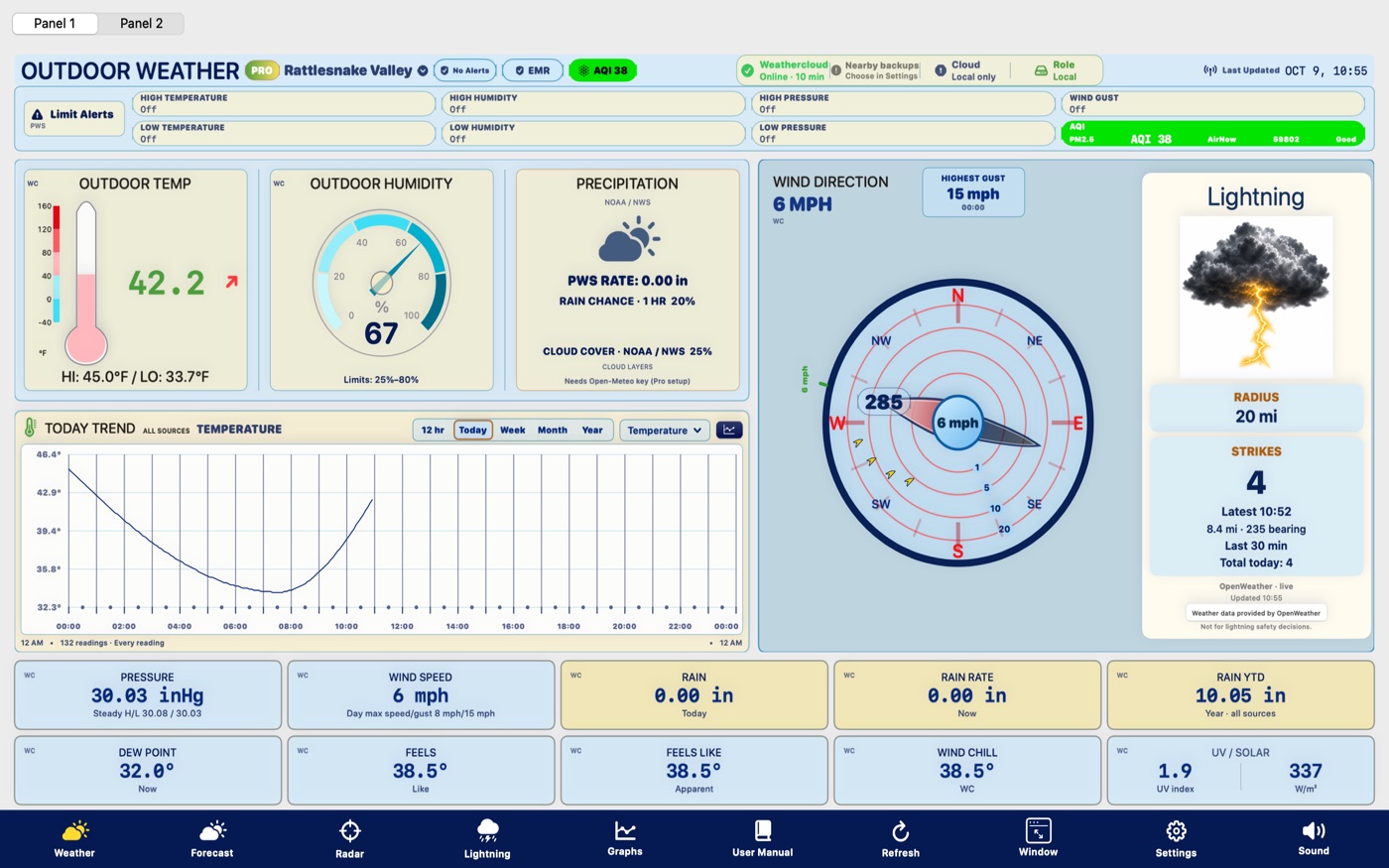
Weather Wizard is now live on the Microsoft Store. The picture is the main panel with a demo station, not a real location.
Microsoft Store iPhone and iPad Mac Windows manual (PDF) Windows app page Weather app feedback
Mac 1.2.1 · Windows 1.2.1.0 · Free and open source
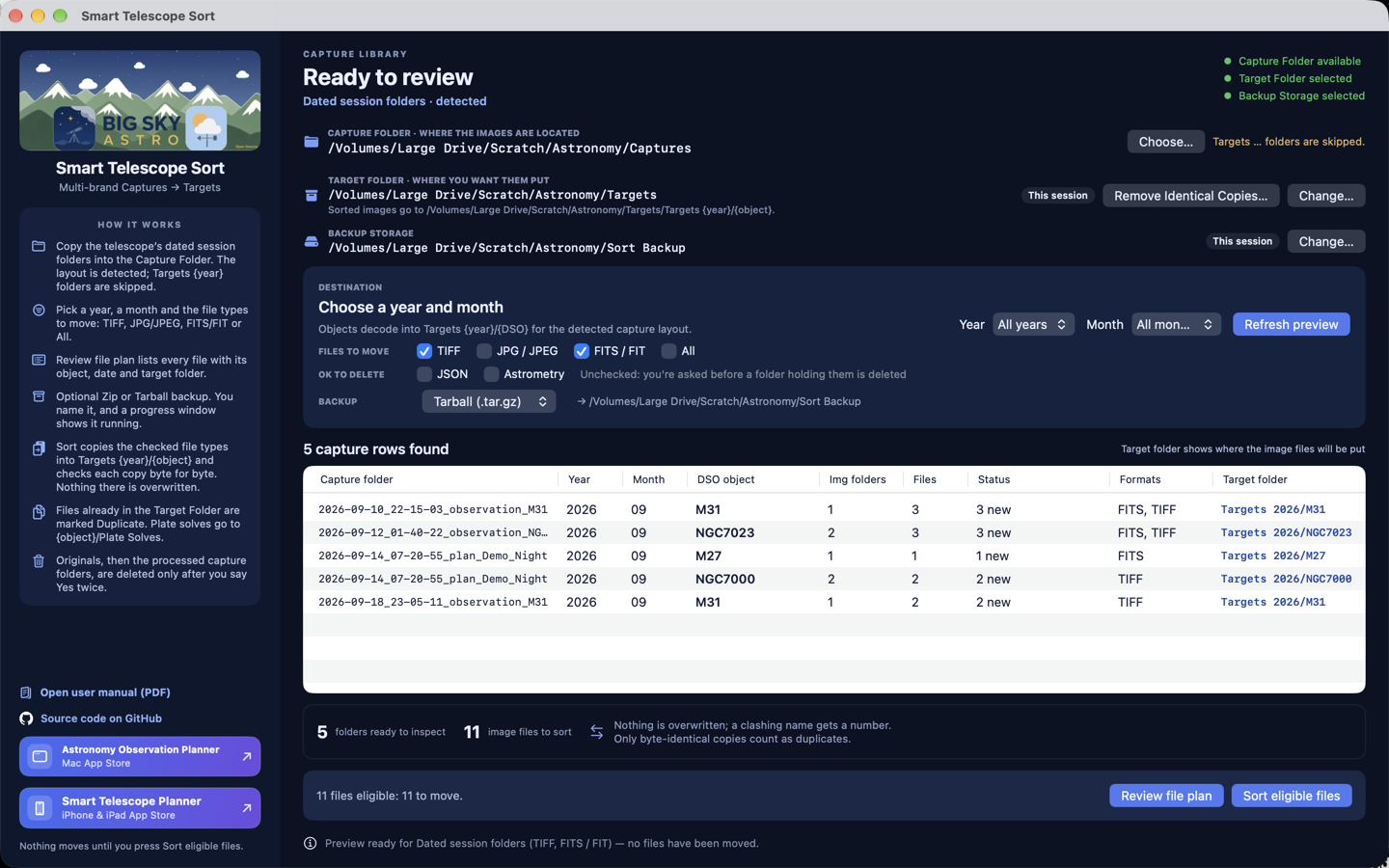
Free, open-source app, formerly Smart Telescope Sort. Detects your capture folder layout, then copies, checks and organizes TIFF, FITS and JPG into Targets by year and object. Each copy is checked byte for byte before any original is deleted. It also sorts data from any telescope or camera when the files are in folders named for the object. Not affiliated with telescope manufacturers.
Mac 1.2.1 and Windows 1.2.1.0 are on the stores Microsoft Store Current build 1.2.1.0 Mac App Store Current build 1.2.1 App page Source on GitHub Telescope Data Sort feedbackOpen source: github.com/rderry/Smart-Telescope-Sort. If you change it and give it away, please give credit to BigSkyAstro: include the BigSkyAstro logo and a link to bigskyastro.com.
Feedback
Smart Telescope Planner on iPhone and iPad, Astronomy Observation Planner on the Mac, and the Windows version when it is approved: crashes, feature requests or support questions. The Apple apps are free to download. If you bought the planner before that, you keep Full Access. Trouble with access? Email support@bigskyastro.com.
Open feedback pageThe free Mac and Windows Sort app: crashes, file-plan issues, folder layout questions or feature requests.
Open feedback pageWeather Magic PWS on Mac, iPhone and iPad, and Weather Wizard on Windows: crashes, feature requests, station issues, alerts or Pro.
Open feedback page