Weather App

Weather Magic PWS

Personal Weather Station support for iPhone, iPad and Mac, with manuals, screenshots, privacy, feedback, Apple-silicon and Intel setup, Supabase cloud sync, fallback stations, graphs, lightning, backup, and recovery notes in one place.

iOS App Page macOS App Page Mac editions and manuals What’s New
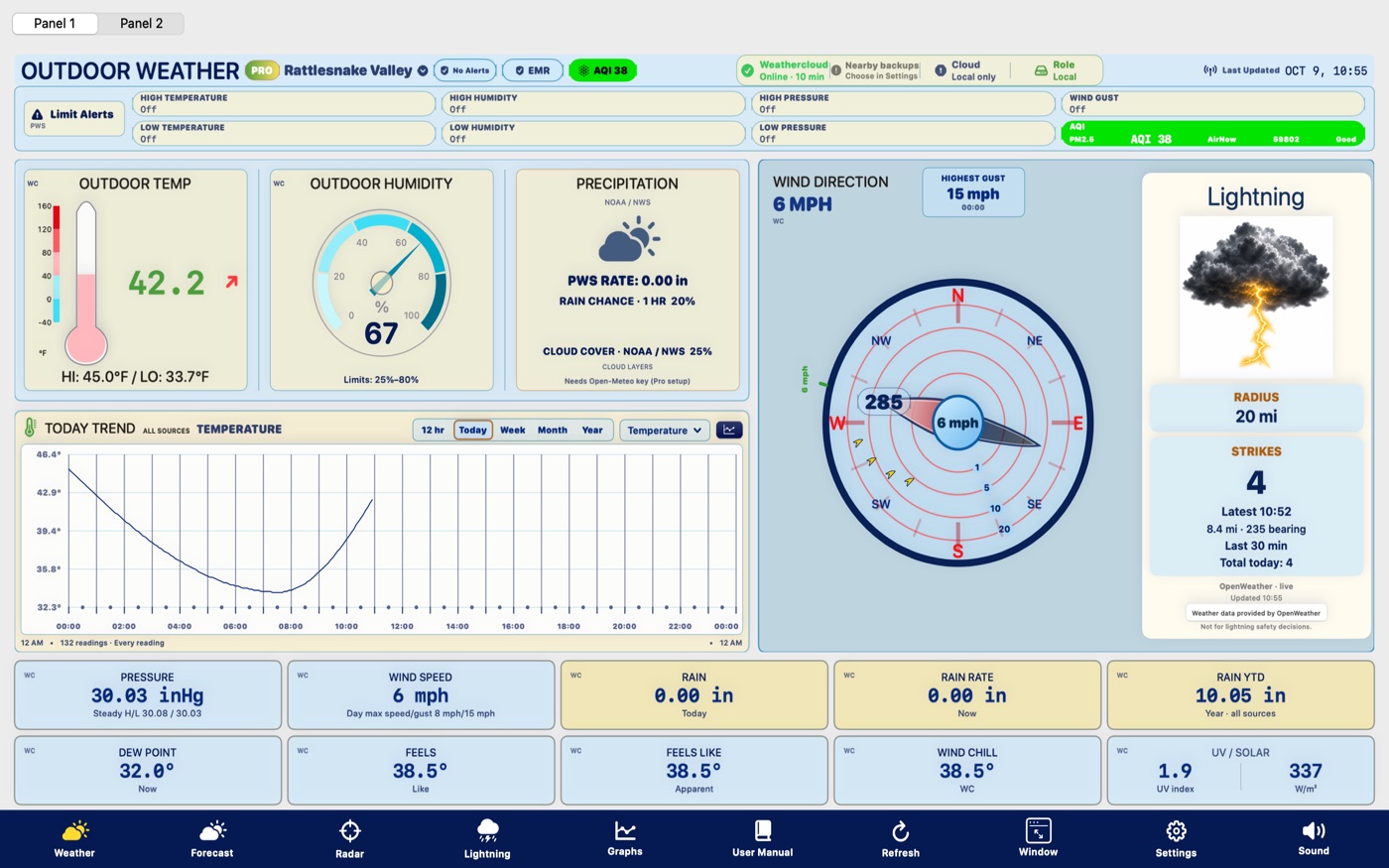
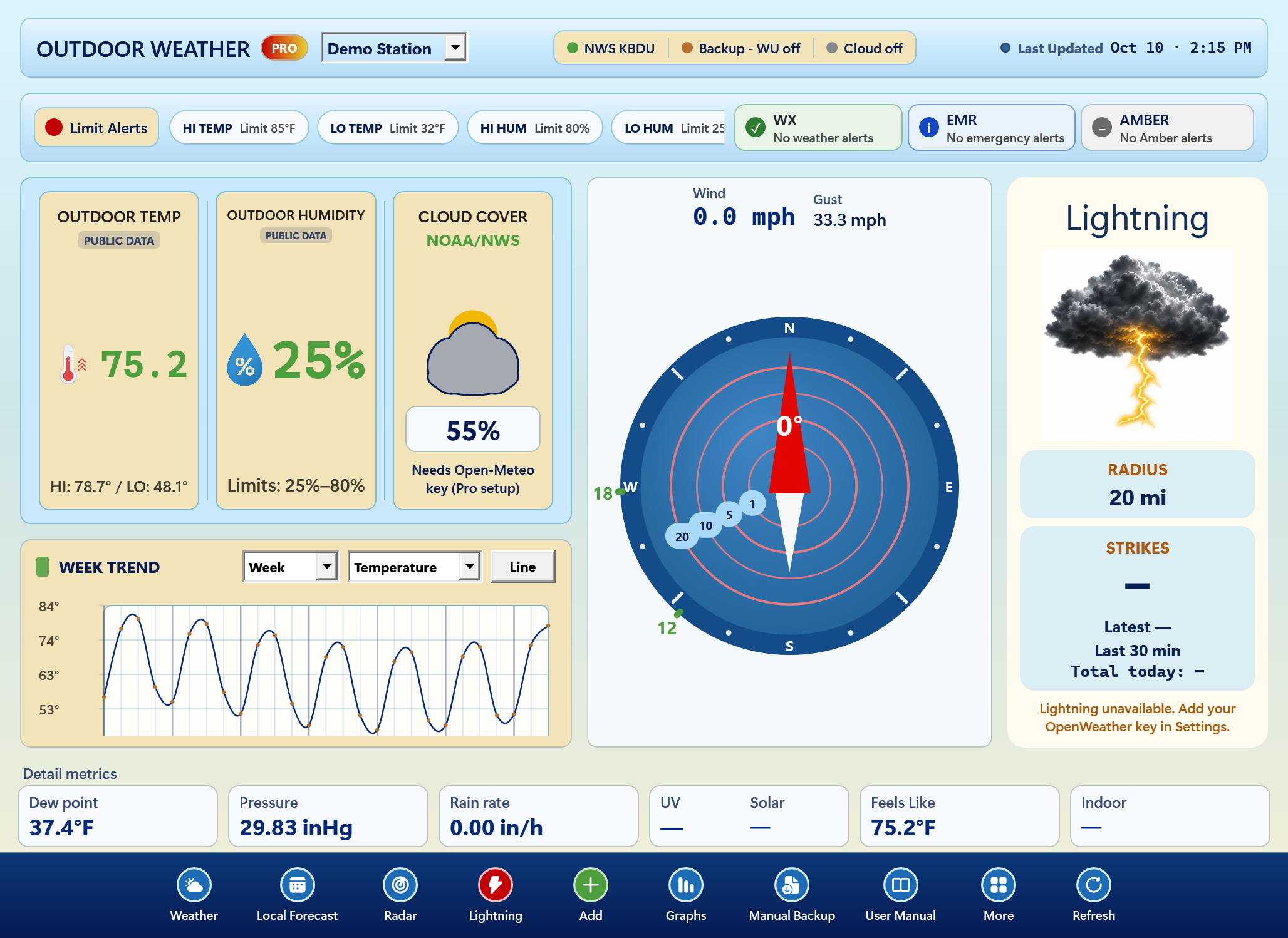
Weather Magic PWS dashboard showing station weather cards.

Apps

Choose an app

Smart Telescope Planner

iOS App

Observation planning, target lists, session notes, and astronomy field support.

Feedback

Weather Magic PWS

iOS App

Station weather, alerts, widgets, graphs, Night Stand, and Pro tools.

Support and screenshots

Astronomy Observation Planner

macOS App

Desktop observing plans, astronomy object management, manuals, and support.

Feedback

Weather Magic PWS macOS

Apple silicon and Intel · macOS

Desktop weather dashboard for station comparison, graph overlays, lightning, backup, recovery, and Pro workflows.

Mac details

iPhone and iPad: Free plus purchased Pro

iOS/iPadOS 17 or later. Free has no time limit and includes up to 3 saved stations, current readings, the Today graph and up to 7 days of local history. No station ownership is required: choose a supported nearby station for station readings.

A one-time Pro purchase enables up to 20 stations, all widgets and Live Activity, extended graphs, exports, custom limits, fallback, additional providers and optional Supabase. Provider accounts, Application Programming Interface (API) keys and any fees are separate. This iOS edition has no trial or activation-code unlock.

Prepared iOS release: the updated build is being prepared for App Store upload. See the new missing-data displays, first-start privacy and data-loss notice, provider setup and backup instructions in the updated iOS guide.

iPhone and iPad manual (PDF)

Weather Magic PWS

iPhone and iPad: station weather, widgets, and Pro tools

On iPhone and iPad, Weather Magic PWS Pro is a one-time unlock for 20 stations, week/month/year graphs, CSV export, PDF/print reports, Night Stand mode, all widgets, alert audio, lightning, and Supra/Supabase sync.

Weather Magic PWS dashboard with current conditions.
Dashboard
Weather Magic PWS station lookup map.
Station Lookup
Weather Magic PWS night and telescope weather view.
Night Stand
Weather Magic PWS Pro unlock screen.
Pro Unlock
Weather Magic PWS widgets with Pro Version overlay.
Pro Widgets
Weather Magic PWS maintenance and settings screen.
Settings

Upcoming Mac release · Version 3 (4)

Choose the edition for your Mac

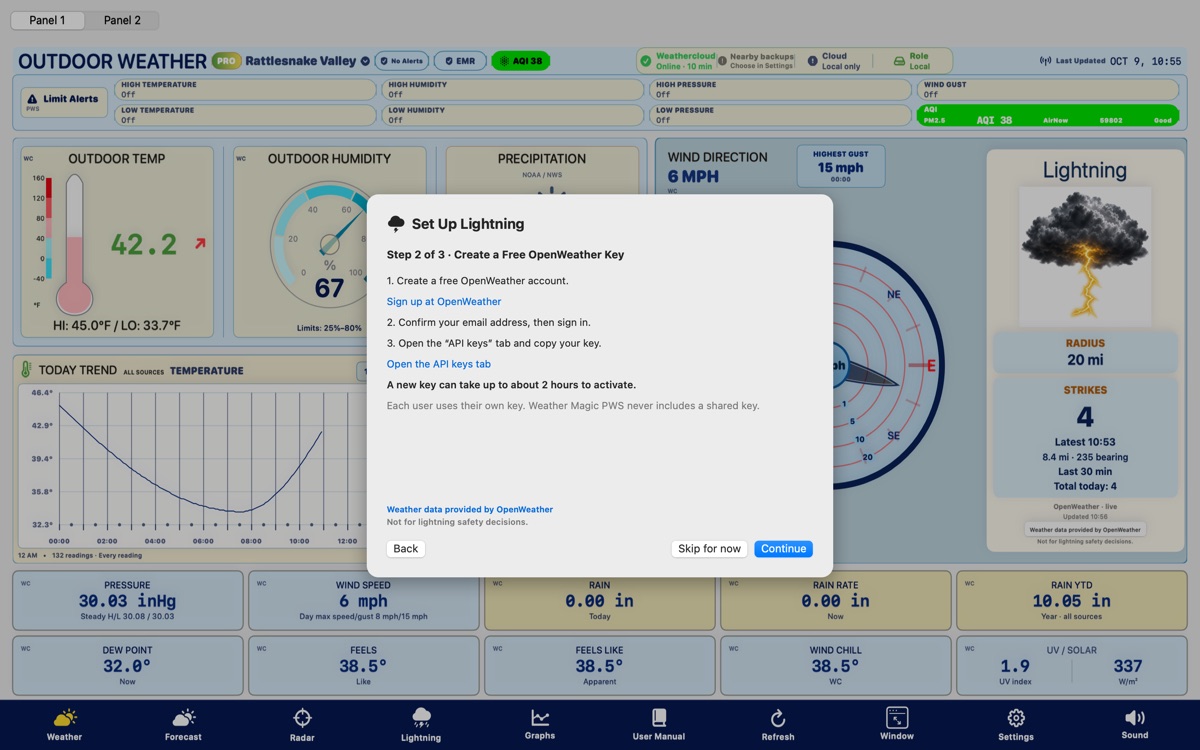
Weather Wizard, also listed as Weather Magic PWS, brings station readings and a Today graph to your desktop. Pro adds additional provider accounts and API keys—including OpenWeather—custom radar and forecast sites, extended history, custom limits, and other advanced tools. External providers may require their own accounts, API keys, or paid access.

No weather station? You can still use Weather Wizard.

You don’t need to own a weather station. Use a supported nearby station for local readings, subject to that provider’s access requirements. Free has no time limit. Free keeps the built-in nearby-station and local-weather feed. Adding your own additional provider accounts or API keys—including OpenWeather—and custom radar or forecast sites requires Pro, even if you don’t own a station. Provider accounts, API keys, and separate service fees may still be required.

The one-time 30-day Pro trial is for eligible station owners. Nearby/public-station users can continue with Free or purchase Pro.

Intel · x86_64 Macs

Weather Wizard for Intel

Requires macOS 15 Sequoia or later. Give a compatible older Mac a new role as a weather station display, even as it retires from everyday use.

View manual (PDF)Download Intel manual

Final Intel revision. No further Intel revisions are planned. Future Weather Wizard development will focus on Apple silicon.

The new Mac package is being prepared for release. The updated manuals are available now. Check Apple menu → About This Mac for your chip or processor and macOS version. An older Mac must still meet the minimum system requirements.

Apple identified macOS 26 Tahoe as the final major macOS release for Intel Macs; security updates follow a separate schedule. Apple’s Intel transition announcement.

What’s New in the Mac release

Mac dashboard and setup examples

Explore station setup, history, Supabase cloud storage, backup, and Pro tools. Screen appearance can vary with edition and macOS version.

Weather Wizard Mac Pro dashboard with callouts.
Pro Dashboard
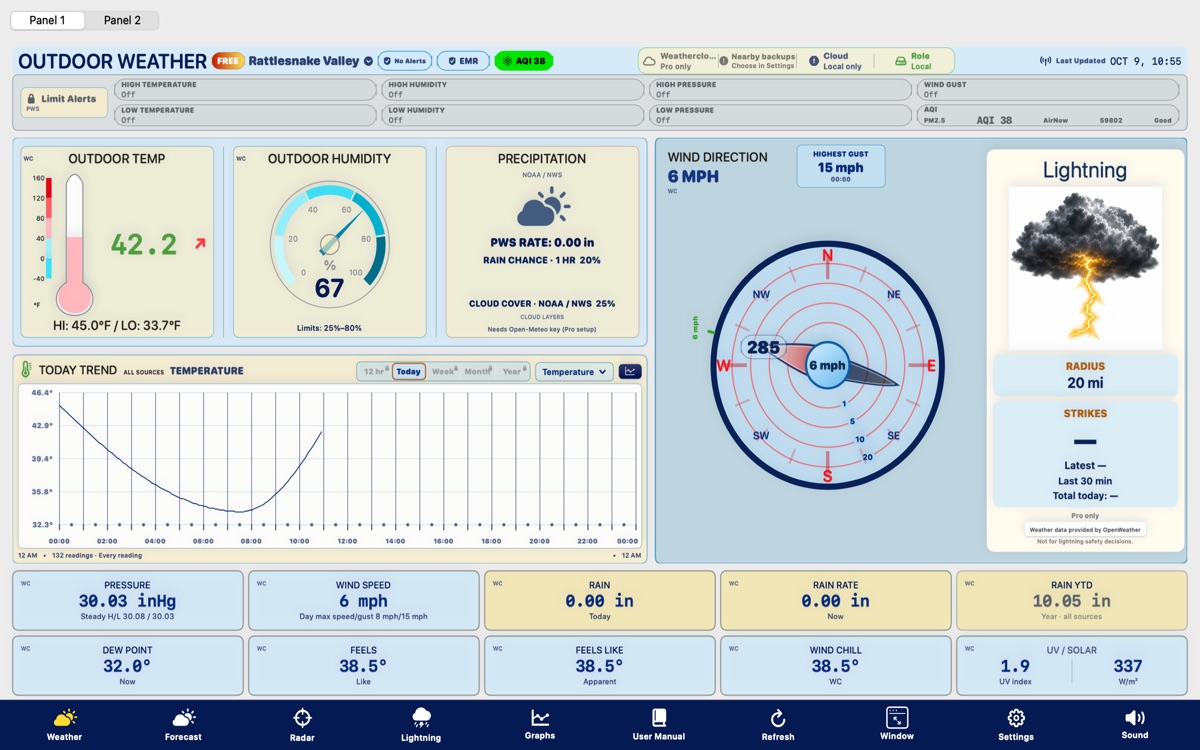
Weather Wizard Mac free version screen with Pro details blurred.
Free Version
Weather Wizard Mac first run setup screen.
First Run Setup
Weather Wizard Mac owned station setup screen.
Owned Station
Weather Wizard Mac nearby station search screen.
Station Search
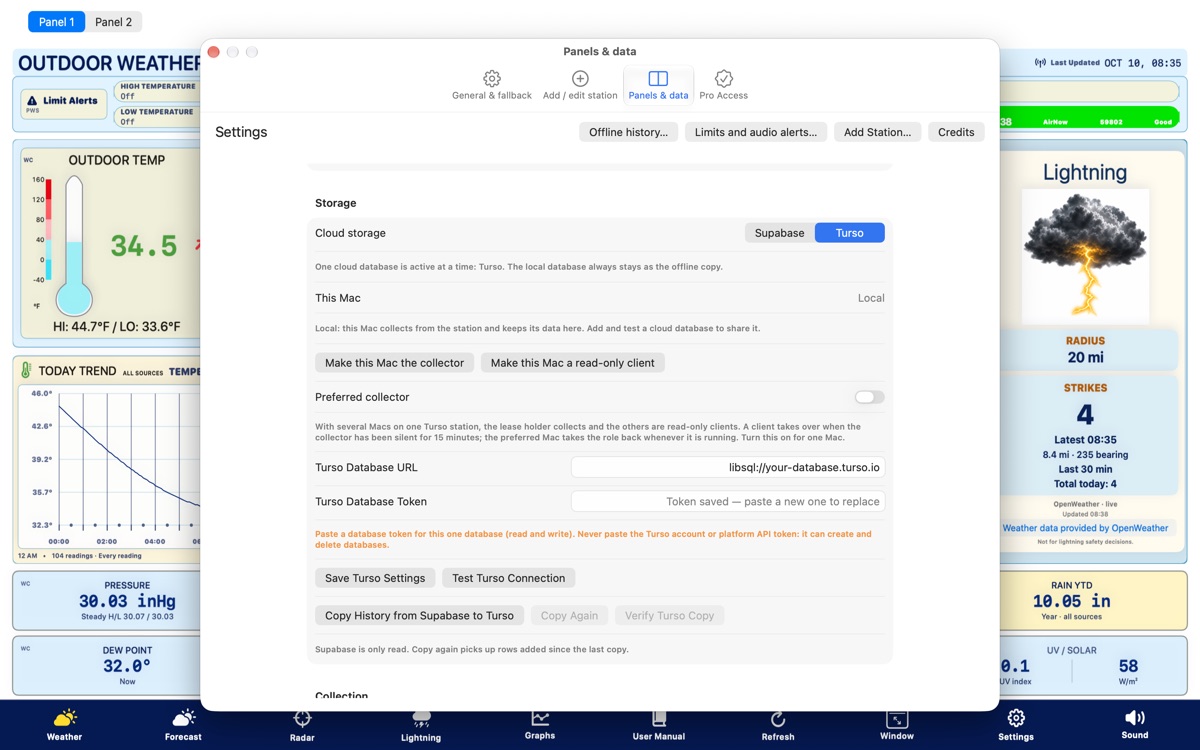
Weather Wizard Mac Supra and Supabase cloud storage screen.
Supra/Supabase
Weather Wizard Mac settings with backup and wake controls.
Backup And Wake
Weather Wizard Mac graph export screen.
Graphs And Export
Weather Wizard Mac lightning plot screen.
Lightning Plot

Help

Support notes and full manuals

Each Mac edition has a 60-page manual with installation instructions, provider links, backup procedures, a linked table of contents, and an index.

Alerts

WX badges show weather watches, warnings, advisories, and air quality alerts. EMR badges show emergency alerts such as AMBER, civil emergency, and national defense-level events. Active alert taps open detail cards inside Weather Magic PWS.

iPhone Widgets

Home Screen widgets use the latest saved station snapshot and request a best-effort one-minute change check. Small, Medium, Large, and Nightstand 1 are Free. Small Pro, Medium Pro, Weather Vane, and Nightstands 2, 3, and 4 are clearly marked as Pro. Alert badges deep link back into Weather Magic PWS; no-alert taps open the current NWS report.

Graphs

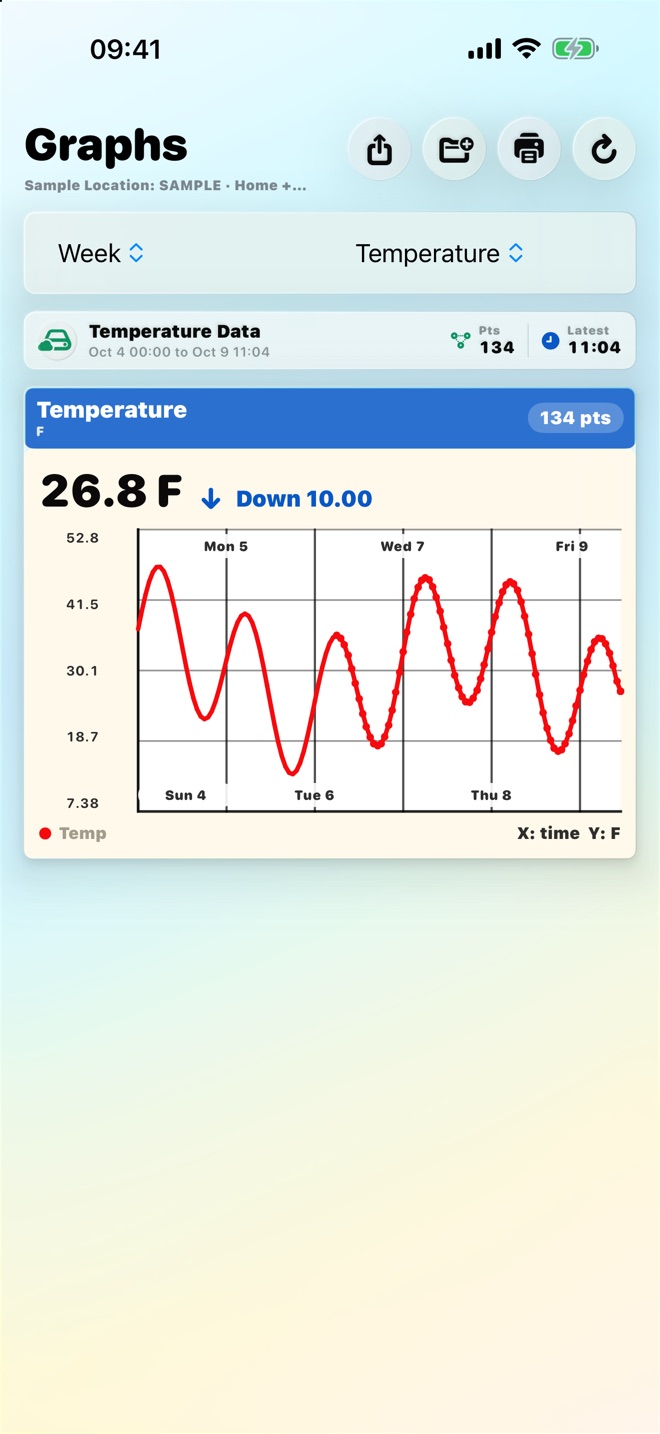
Day, week, month, and year charts use optimized display points while Weather Magic PWS keeps the full station history in the database.

Supra And Fallback

Supra/Supabase keeps authorized devices aligned through cloud storage, while fallback stations help recover when a selected source is stale or missing.

Backup And Recovery

Manual and scheduled backups protect the local SQLite database before repairs, push/pull actions, replacement installs, and year-end maintenance.

iPhone Pro

Free supports 3 stations and day graphs. Pro is a one-time unlock for 20 stations, extended landscape graphs, CSV export, PDF chart sharing/printing, Night Stand, Small Pro, Medium Pro, Weather Vane, Nightstands 2-4, and alert audio for station limits.

Contact

Feedback by app

Weather Magic PWS Feedback Astronomy Planner Feedback